
See Moving Cost Quotes by State from One AI-Powered Room Scan
Scan your home once with MoveCost.ai, then use this nationwide hub to explore moving cost quotes, calculators, and guides by state and major city—without rebuilding your inventory every time you test a new route or destination.

Nationwide Moving Cost Quotes by State – Central By-State Hub for AI Scan Users | MoveCost.ai
Plan Moves Across Multiple States Without Rescanning Your Home
Compare what your real inventory looks like across different states, cities, and routes from a single, central page. If you’re thinking about more than one state—staying put vs. moving one state over vs. going cross‑country—it gets frustrating to repeat your move details on every calculator or city page. This nationwide hub solves that problem by connecting your one AI-generated inventory to: • State‑to‑state pricing tools • State & city route calculators • Cheapest‑state research pages • Student/state tools and home‑size calculators • Example city and route pages that live under this hub From here, you can: • Compare within‑state vs. cross‑state cost behavior using the same list of items. • See how your move looks when you plug your inventory into Atlanta, Phoenix, Houston, Dallas, Chicago, Miami, Los Angeles and more. • Move between big‑picture cheapest‑state research and specific metro pages without wondering where your scan went. Because everything in the MoveCost network treats this as the by-state exploration hub, you don’t have to guess which calculator or city page to open first. You land here after your scan, decide what kind of question you have, and click through to the right tool or city with your inventory already attached. Avoid retyping your move details See how states compare for your real move size Keep cost research and quotes in sync
From One Phone Scan to Moving Cost Quotes by State
Three simple steps turn your home into a reusable move profile across all 50 states. Whether you’re staying in your current state, moving one state over, or crossing the country, the flow is the same. Your scan powers every state and city page that connects back into this nationwide hub.
How Moving Costs Shift from State to State
Your home size and access stay the same—changing states alters distance, routes, and labor patterns. Once you have a single AI inventory, you can explore how different state combinations behave: • Short routes within your current state vs. longer in‑state moves • Neighbor‑to‑neighbor state moves vs. cross‑region or coast‑to‑coast lanes • High‑cost origin states vs. lower‑cost destinations when you arrive This page doesn’t try to hold every state’s details. Instead, it points you toward the right calculators and city hubs so you can see those patterns on tools built for each question: Short In‑State Routes Regional Interstate Moves Cross‑Country Moves
Jump from This Hub into State, City, and Route Pages
Use the grid below to move from a nationwide view into focused cost and quote pages that reuse your AI inventory. Once your scan is done—or even while you’re planning it—you can use this section as a launch pad. Each card links to a calculator or city hub that sits under this national page in the MoveCost structure. Atlanta, GA – Moving Cost in Atlanta (2026 Guide) Phoenix, AZ – Moving Cost Breakdown Houston, TX – 2026 Moving Cost Guide Dallas, TX – Local & Interstate Costs Chicago, IL – Moving Cost in Chicago (2026 Guide) Miami, FL – 2026 Moving Cost & Quotes Cluster Los Angeles, CA – Moving Cost in Los Angeles Cheapest States to Move to in the US in 2026 Cheapest States to Move to From New York Moving Cost Calculator from California to Florida AI Moving Cost Calculator Online Free Moving Cost Calculator by State and City
How Different Movers Use the Nationwide By-State Hub
The same AI inventory can support simple across‑town moves, big interstate relocations, and multi‑state “where should we go?” planning. Your reason for comparing moving cost quotes by state might be very different from someone else’s. This hub stays neutral and lets each persona follow the right path using the same AI scan.
What Moving Cost Quotes by State Mean on This Page
A national index for state-level planning—not 50 thin state pages or a replacement for route and city tools. On some sites, “by state” just means 50 nearly identical pages with generic advice lightly customized to each state name. On MoveCost, this nationwide hub is intentionally different: • It does not try to duplicate every detail of origin/destination combinations or local quirks for each state. Those live on calculators and city/route pages. • It does explain how to use your AI inventory to compare moves between states and how to pick the right tool for the next layer of detail. When we say moving cost quotes by state here, we mean: • Using your scan and route data to see how short in‑state moves differ from long multi‑state moves at a conceptual level. • Surfacing tools that answer different by‑state questions—local vs. interstate, cheapest states vs. best for students, large home vs. smaller load—without repeating content 50 times. • Pointing you into state‑relevant city and route pages (Atlanta, Phoenix, Houston, Dallas, Chicago, Miami, New York outbound, LA, CA→FL) when you want concrete examples rather than another abstract list. That design helps you: • Understand how route length, origin/destination states, and your inventory interact. • See which calculators and guides are relevant for the states you care about. • Avoid clicking through a maze of nearly identical state templates. One nationwide reference instead of 50 thin state pages. Less duplication, more clarity on which MoveCost tool to open next. Clearer signals to search engines about page roles in the site-wide network.
Built to Be the Nationwide 'By-State' Hub, Not Another Calculator
Other pages calculate; this one coordinates. That’s intentional—for you and for search engines. Inside MoveCost.ai, this URL is treated as the central 'moving cost quotes by state' hub: • The AI Moving Cost Calculator hub links here whenever it mentions exploring costs by state after you scan. • Local, state‑to‑state, by‑state‑and‑city, home‑size, stairs/elevator, student, and cheapest‑state tools all link here when they refer to national by‑state context. • City/route clusters (like Miami or Chicago and pages such as Moving Quotes in Miami or Moving Quotes in Chicago) treat this page as the nationwide hub sitting above their metro examples. That internal linking pattern and the content on this page make its purpose distinct from: • The primary AI calculator (which owns 'scan and baseline cost' intent) • Local-only pages (which own 'near me' cost intent) • State‑to‑state and by‑state‑and‑city calculators (which own 'specific route math' intent) • City and route hubs (which own 'one metro or corridor' intent) If you maintain a sitemap, this URL should appear alongside the AI hub and main calculators as the nationwide by-state index, giving crawlers and users one clean place to start whenever the question is, “How do costs and tools change when I change states?”
One Inventory, Many State-Level Decisions
Most users bounce between state ideas, city examples, and calculators. This hub keeps that journey connected. “We compared three regions without rescanning.” “It helped us narrow from 'anywhere' to one metro.” “Students could test several states without redoing forms.”
How It Works

1. Scan Your Room With Your Phone
Walk around your space and scan your items in seconds.
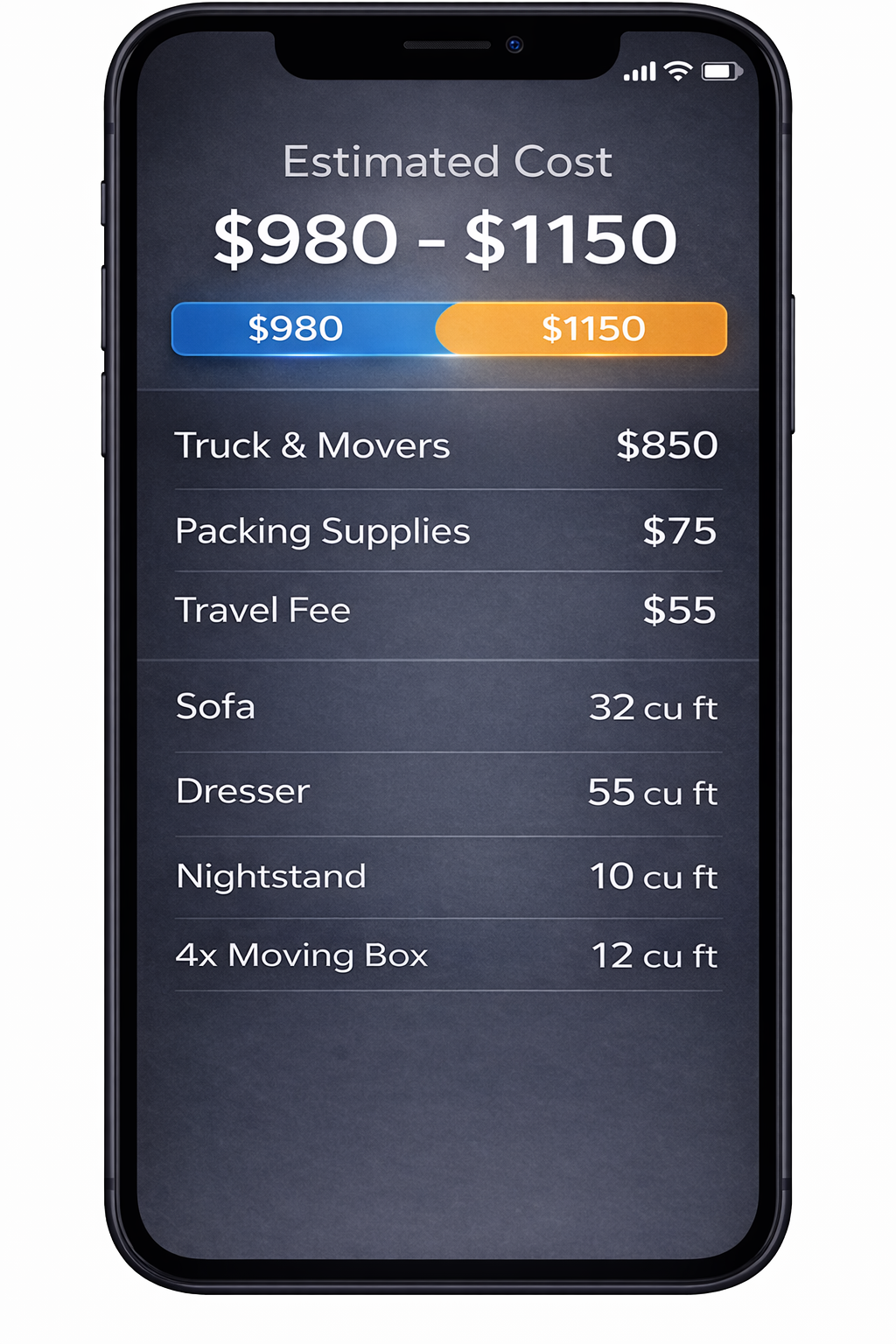
2. AI Detects Your Items
We identify your items and calculate volume for a clearer estimate.
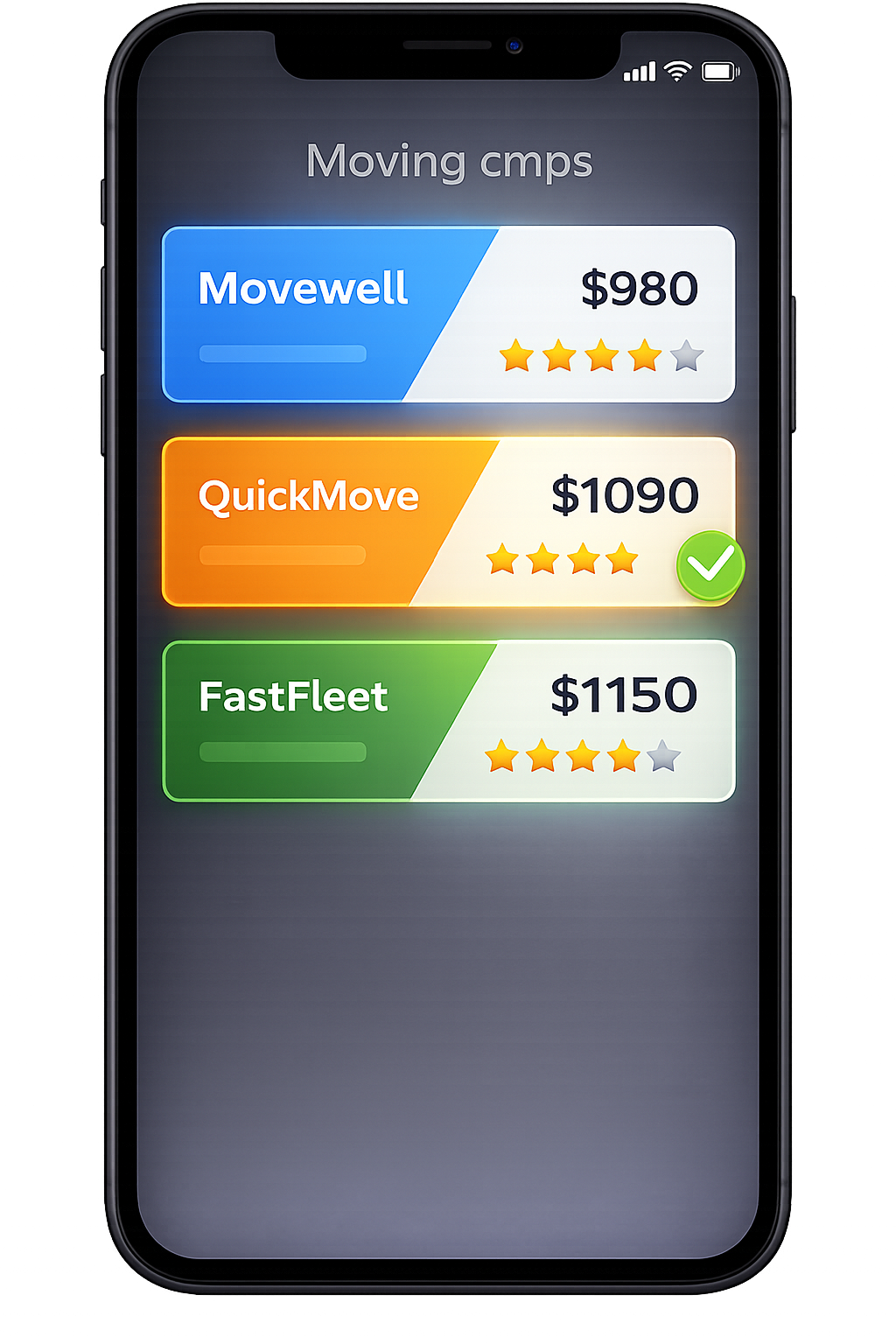
3. Compare Multiple Quotes
Compare verified mover quotes from the same scanned inventory.
Frequently Asked Questions
How is this nationwide 'moving cost quotes by state' hub different from the main AI calculator?
The AI Moving Cost Calculator Online Free is where you actually scan your home and get your first baseline estimate. It answers: “What should my move cost based on a full AI scan of my home?” This nationwide hub is about what you do after that scan. It answers: “How do moving costs behave within my state vs between states?” “Which calculators and guides should I open when I’m thinking at the state or multi‑state level, not just one city?” “Where can I find deeper pages for key metros like Atlanta, Phoenix, Houston, Dallas, Chicago, Miami, Los Angeles, or New York outbound?” You scan on the AI hub, then come here whenever your questions shift from “how much is my move?” to “how does that cost change by state, route, or destination?”
Do I need to rescan my home when I move between different state and city tools?
You should only need one good scan for your current home. Once you’ve created an AI inventory in the main calculator, you can: Use it in local tools like Local Moving Cost Calculator Near Me. Apply it to state‑to‑state scenarios in the State to State Moving Cost Calculator Online. Test specific state+city routes with the Moving Cost Calculator by State and City. Plug it into home‑size, student, stairs/elevator, and cheapest‑states pages. Explore city hubs (Atlanta, Phoenix, Houston, Dallas, Chicago, Miami, Los Angeles, and others) for concrete metro examples. This hub exists so you don’t have to wonder where your scan is “supposed” to go next. Every linked page is designed to read from the same inventory.
How does this page help me compare moving costs between states?
This hub doesn’t output one static ranking of “cheapest states.” Instead, it: Shows you which tools are best for comparing states (state‑to‑state calculators, by‑state and city routes, cheapest‑state hubs). Provides internal links into key city and route pages so you can attach your AI inventory to real examples (for example, an Atlanta, Miami, Chicago, or California→Florida route). Keeps the concept level at “by state” so you’re not stuck paging through dozens of thin state templates. You scan once, run that inventory through the appropriate calculators from this hub, and then interpret the differences: routes, distance bands, access, timing, and cost‑of‑living changes when you arrive.
What if I’m still deciding between staying in my current state and moving to another?
That’s exactly the kind of question this hub is built for. A simple path is: 1. Scan your home using the AI Moving Cost Calculator Online Free. 2. Use Local Moving Cost Calculator Near Me to see what staying local or in‑state might cost. 3. Use State to State Moving Cost Calculator Online to test what it would cost to move to one or more other states. 4. Use Moving Cost Calculator by State and City to compare specific origin/destination city pairs. 5. If you’re looking for cheaper destinations, visit Cheapest States to Move to in the US in 2026 or Cheapest States to Move to From New York. You can jump back to this nationwide hub at any time to keep track of which state‑level tools you’ve tried and which cities you’ve explored.
How does this page avoid duplicating what city and route pages already say?
Instead of repeating city‑level detail 50 times, this hub: Keeps its focus at the state and multi‑state level. Links out to city and route pages (Atlanta, Phoenix, Houston, Dallas, Chicago, Miami, New York outbound, Los Angeles, CA→FL, etc.) when you need local nuances like building rules, parking, or specific neighborhood examples. Explains how different tool types fit together—AI hub, local calculators, state‑to‑state calculators, by‑state‑and‑city routes, home‑size tools, student calculators, stairs/elevator pricing, cheapest‑state hubs, and comparison/quote pages—so each URL can own its own scope. This structure helps both humans and search engines understand that this URL is the coordinating by‑state hub, while calculators and city/route pages own their own detailed topics.
Can I use this hub to plan a move for specific audiences, like students or large families?
Yes. This hub connects your inventory to audience‑specific tools: Students can move from this hub into Moving Cost Calculator by State for Students, then into state/city and local tools as needed. Large families can move into Moving Cost Calculator for 3 Bedroom House or Average Cost to Move a 4 Bedroom House Cross Country before layering on state‑to‑state and by‑state‑and‑city tools. Anyone with complex access can follow the Moving Cost Calculator Including Stairs and Elevator link to understand how floors and elevators affect costs in any state. The by‑state hub keeps these paths organized while your underlying AI inventory stays exactly the same.
Where do I go if I want to compare quotes from multiple movers, not just see cost ranges by state?
This hub focuses on cost understanding by state, not quote collection. When you’re ready to move from planning into quotes: Use Instant Moving Quotes Without Phone Calls if you want a mostly phone‑free experience. Use Compare Moving Company Quotes Instantly Online to learn how to line up multiple mover quotes side by side. For city‑specific examples (like Miami or Chicago), use Moving Quotes in Miami, FL or Moving Quotes in Chicago, IL to see how this process looks in one metro. The intended flow is: scan → understand costs by state (this page + calculators) → then move into quote tools when you’re ready to talk to movers.
How does this page help search engines understand what it should rank for?
Internally, this URL is treated as the nationwide by-state hub: Its title and meta description emphasize “moving cost quotes by state” and “nationwide hub,” not generic calculator terms. It explicitly describes its cluster role and links into state‑to‑state calculators, by‑state‑and‑city routes, cheapest‑state hubs, home‑size pages, student tools, stairs/elevator calculators, and key city hubs like Miami and Chicago. Those pages, in turn, link back here when they mention national by‑state planning. That cluster of internal links and the distinct content scope help search engines recognize this page as the primary nationwide moving cost quotes by state resource, separate from the AI calculator, local-only pages, and metro/route examples.