
Get an Accurate Moving Estimate in Phoenix Without an In‑Home Visit
Scan your Phoenix home with your phone once, let AI build a detailed inventory, and see realistic moving estimates that already account for Valley heat, stairs, elevators, parking, and HOA rules.

moving estimate in Phoenix, AZ
Moving Estimate in Phoenix vs. Phoenix Moving Cost Guide
MoveCost.ai has more than one Phoenix page on purpose: • This page – Moving Estimate in Phoenix, AZ • Role: workflow and estimate page. • What it does: walks you through scanning your home, building a Phoenix-specific inventory, and turning that into actual moving estimates you can refine and share with movers. • When to use it: when you’re ready to say “I want an estimate based on my items and buildings,” not just read about average prices. • Phoenix Moving Cost Guide (moving-cost-phoenix) • Role: cost guide and research hub. • What it does: explains typical 2026 moving costs in Phoenix by neighborhood and home type, how summer heat and traffic affect price, and what local and long‑distance ranges usually look like. • When to use it: when you want to sanity‑check your budget, compare Tempe vs Scottsdale‑adjacent vs West Valley cost patterns, or see what other people pay before you run your own estimate. You can think of them this way: • The Phoenix moving cost guide answers: “What do Phoenix moves usually cost?” • This Phoenix moving estimate page answers: “What should my move cost based on a real inventory and my buildings?” They’re designed to work together. A common flow is: 1. Skim the Phoenix moving cost guide to understand local price bands. 2. Come back here to scan your actual home and get a personalized Phoenix moving estimate. 3. Use your estimate and inventory to compare quotes from movers, confident you’re not starting from a generic number. For search engines, that clear split keeps this URL focused on “moving estimate Phoenix” (scan → estimate → quotes), while the cost guide focuses on “moving cost Phoenix” (citywide ranges and scenarios.
How a Phoenix Moving Estimate Works with AI Scanning
A Phoenix moving estimate should reflect more than just how many bedrooms you have. It needs to see: • How much furniture and how many boxes you actually own • Whether crews are dealing with stairs or elevators • How far they walk from the truck in Phoenix heat • HOA rules, gated access, and parking in your part of the Valley Instead of guessing, this page guides you through a simple three‑step flow: 1. Scan your Phoenix home once Use your phone to walk through each room, plus garages, patios, and storage. The AI identifies major items—beds, sofas, tables, TV stands, desks, dressers, shelving, bikes, grills, and box clusters—and turns that into a room‑by‑room inventory. 2. Add Phoenix building and access details You answer a short set of local‑friendly questions: • Are you in a downtown high‑rise near Roosevelt Row or Central Ave, with elevators and loading zones? • A walk‑up near Tempe or around ASU with two or three flights of stairs? • A single‑story or two‑story home in Chandler, Gilbert, Glendale, or Peoria with garage and driveway access? • How far will crews walk from the truck to your door, and are there HOA or gated‑community rules? 3. See your Phoenix moving estimate and next steps MoveCost combines your inventory, access, and basic route (for example, Midtown Phoenix → Arcadia, Peoria → Chandler, Phoenix → Tucson, or Phoenix → another state) to show you a moving estimate range that reflects your real move. From there, you can: • Adjust items and see how it changes your estimate • Share your inventory with movers to request firm quotes • Or click over to the Phoenix moving cost guide to compare your estimate with typical citywide ranges. You don’t have to know how to “estimate cubic feet” or guess truck size—the scan and questions translate your Phoenix home into the kind of data movers already use behind the scenes.
Phoenix Moving Estimate Scenarios: How Different Moves Behave
These examples show how this page turns different Phoenix situations into moving estimates. They’re illustrative, not live quotes, but they mirror how your AI inventory and building details drive the numbers. 1) Downtown Phoenix High‑Rise → Arcadia Apartment • From: 1‑bedroom on a higher floor in Downtown, near Roosevelt Row or the light rail • To: 1‑bedroom in a smaller complex or mid‑rise near Arcadia • Inventory from scan: • Sectional sofa, TV + stand • Queen bed, dresser, nightstands • Small dining set, desk, ~25–30 boxes • Access details in the estimate: • Freight or passenger elevator + loading zone downtown • Parking and a shorter walk at the Arcadia complex What the Phoenix estimate typically calls out: • Estimated hours for load + elevator + drive + unload based on your items • How much time is budgeted for loading zone use and elevator rides • A range for what local movers might charge given that scope --- 2) Tempe / ASU Walk‑Up → Midtown Phoenix • From: 2‑bedroom, 3rd‑floor walk‑up near the ASU area in Tempe • To: 2‑bedroom apartment in Midtown or along the light rail • Inventory from scan: • Sofa, chairs, 2 beds, 2 desks, bookshelves • Around 35–45 boxes, bikes, maybe a small patio set • Access details in the estimate: • Stairs only at origin, possible elevator or stairs at destination • Street or lot parking and medium walk at both ends What the Phoenix estimate typically calls out: • Extra labor time for multiple stair flights in Tempe • A time range that includes walk distance in hotter months • How things look if you move on a weekday morning vs a weekend afternoon --- 3) North Phoenix / Glendale House → Chandler or Gilbert House • From: 3‑bedroom single‑family home in North Phoenix or Glendale • To: 3‑bedroom in Chandler, Gilbert, or another East Valley suburb • Inventory from scan: • Living + dining room furniture • 3 bedrooms of furniture • Garage shelves, tools, seasonal items • Patio furniture, grill, yard items • 60–80+ boxes What the Phoenix estimate typically calls out: • Time to load a full 3‑bedroom‑plus‑garage inventory with driveway access • Drive time across the metro, adjusted for typical freeway patterns on the 101/202/60 • How full‑service options (like packing) could shift your estimate range When you run your own scan, you’ll see a Phoenix moving estimate that lines up with the scenario you’re closest to—not just a generic Valley number.
What Shows Up on a Phoenix Moving Estimate Built from Your Scan
Once your AI inventory and access info are in place, a Phoenix moving estimate becomes much easier to read. You can expect to see line items like: • Labor time: A range such as “3 movers × 5–7 hours” that covers loading, driving, and unloading based on your inventory, stairs/elevators, and how far crews walk from the truck. • Truck & travel: Allowance for drive time between your Phoenix‑area addresses (for example, Tempe → Arcadia, Glendale → Chandler, or Phoenix → Tucson) and mileage for longer routes. • Access / heat factors: Notes about: • Stairs in a walk‑up near ASU or in central Phoenix • Elevators and loading zones in Downtown or Biltmore area buildings • Long carries from where the truck can legally park to your front door • Potential impacts of summer heat on pace and scheduling • Packing & materials (optional): If you want help packing, you might see separate lines for: • Kitchen and fragile‑item packing • Boxes, tape, paper, padding, and shrink wrap • Wardrobe boxes or mattress bags • Special items: Flags for treadmills, safes, large TVs, big potted cacti, grills, or other pieces that may require extra care or equipment. The estimate you see on this page is not a binding contract, but it’s built from the same structure movers will use when they convert it into a quote. That’s why this page focuses on helping you build a clean inventory and understanding these line items before you start comparing companies.
Why Heat, Parking, and HOAs Change Your Phoenix Moving Estimate
In Phoenix, access is more than just stairs vs elevator. Your moving estimate also needs to respect Valley heat, parking, and neighborhood rules. Things that commonly change Phoenix estimates: • Summer heat (100°+ days): • Crews often push for early‑morning start times. • Long outside walks—from street to unit, or from a distant parking area—can’t be rushed in the same way as in cooler climates. • Parking and truck access: • Downtown and Midtown apartments may have limited loading zones or parking garages with height limits. • Suburban cul‑de‑sacs in Chandler, Gilbert, Peoria, or Surprise may be easier, with driveway access and wide streets. • Gated communities often require visitor codes or registration at a guard house, which adds a bit of coordination time. • HOA and building rules: • Some Phoenix‑area HOAs restrict moves to certain hours or days, especially in condo complexes and 55+ communities. • Rules around where trucks can park (no blocking certain streets or driveways) can extend carry distance and time. On this page, you add that context directly into your estimate form after the AI scan. When movers later turn that estimate into quotes, they’re working from one Phoenix‑accurate picture instead of discovering all these constraints when they pull up to your curb.
Virtual Phoenix Moving Estimates vs In‑Home Visits
In a spread‑out metro like Phoenix, many people would rather not spend an afternoon waiting for an estimator to drive over. Virtual estimates—grounded in a clear AI scan—often work just as well. Virtual / AI‑based estimates are usually enough when: • You’re in a typical apartment or condo (Downtown, Midtown, Tempe, Mesa, Scottsdale‑adjacent, etc.) • You have a 1–3 bedroom house in areas like Glendale, Peoria, Chandler, Gilbert, or Surprise • Your access is straightforward once you describe any stairs, elevators, or parking limits An in‑home or extra video call may help when: • You have a large home with 4+ bedrooms and complex storage (sheds, workshops, multiple garages) • You own especially heavy or fragile items (big safes, large pianos, specialty gym equipment) • Your building or HOA has unusual access that’s hard to capture on video alone Either way, the AI inventory from this Phoenix moving estimate page is your starting point. It keeps everyone working from the same, detailed picture of your move—even if one mover prefers to double‑check a few details with a quick visit or video walkthrough.
Use This Phoenix Moving Estimate Together with the Phoenix Cost Guide & AI Hub
This page is where you build and interpret your personal Phoenix moving estimate. To get the most out of it, connect it with two other core MoveCost resources: • Phoenix Moving Cost Guide (moving-cost-phoenix): After you see your own estimate range here, open the cost guide to check where you sit relative to typical 2026 Phoenix moves of similar size. You’ll see how Downtown high‑rises, Tempe walk‑ups, and suburban homes in Chandler or Glendale usually price out. • AI Moving Cost Calculator Online Free (ai-moving-cost-calculator-online-free): This is the main AI hub for the whole site. If you’re also considering moves outside Phoenix (for example, from Phoenix to another state), you can reuse the same AI inventory you built here on our national calculators and route pages. A simple way to keep things organized: 1. Start or update your inventory on the AI hub. 2. Come to this Phoenix page to turn that inventory into a Phoenix‑specific moving estimate. 3. Open the Phoenix moving cost guide to see citywide context and educate yourself on local price bands. 4. When you’re ready, use your inventory and estimate to request quotes from Phoenix movers through the broader MoveCost network. Each page has a distinct job, and they all share the same AI inventory so that your Phoenix move is described the same way on every tool.
How It Works
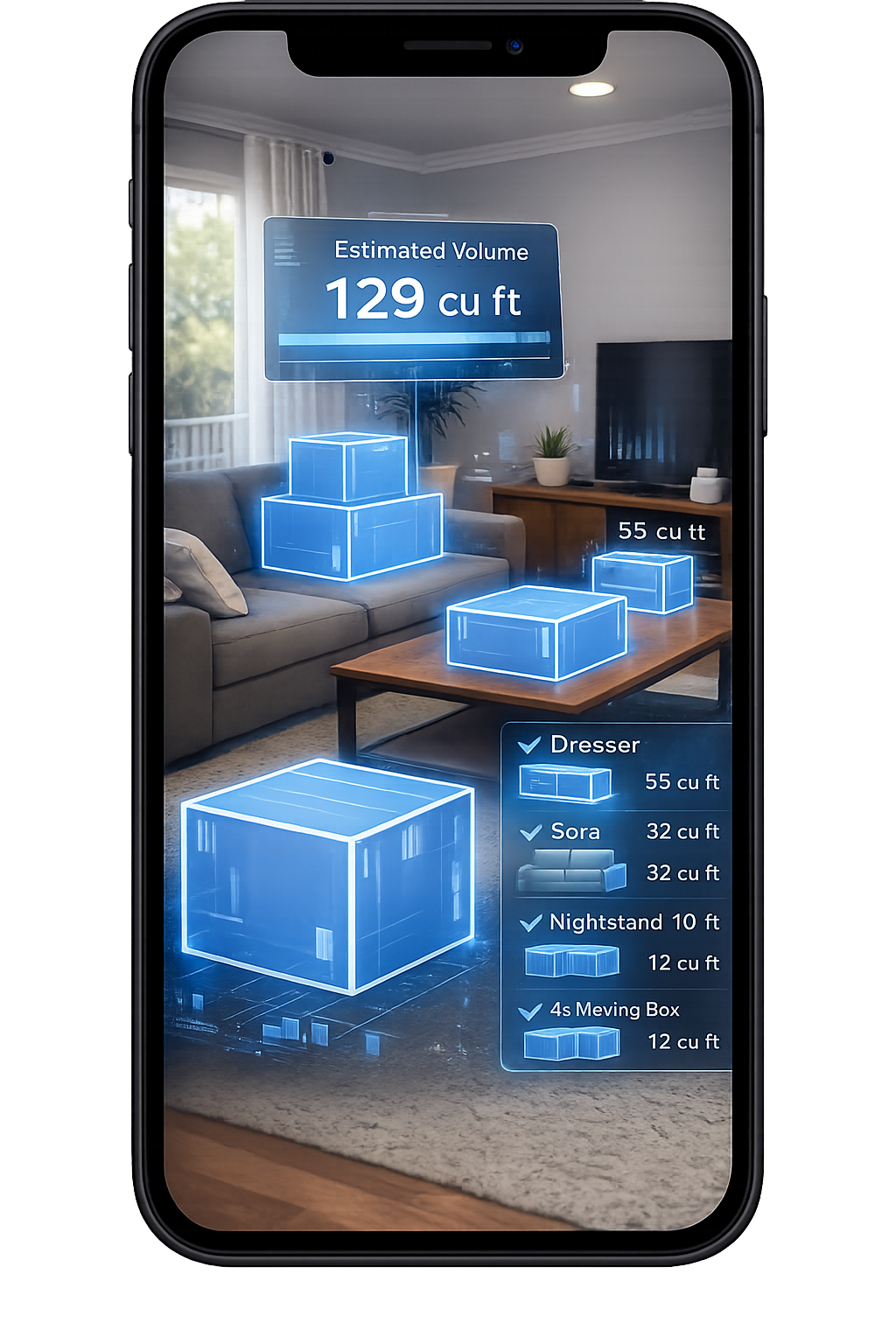
1. Scan Your Room With Your Phone
Walk around your space and scan your items in seconds.
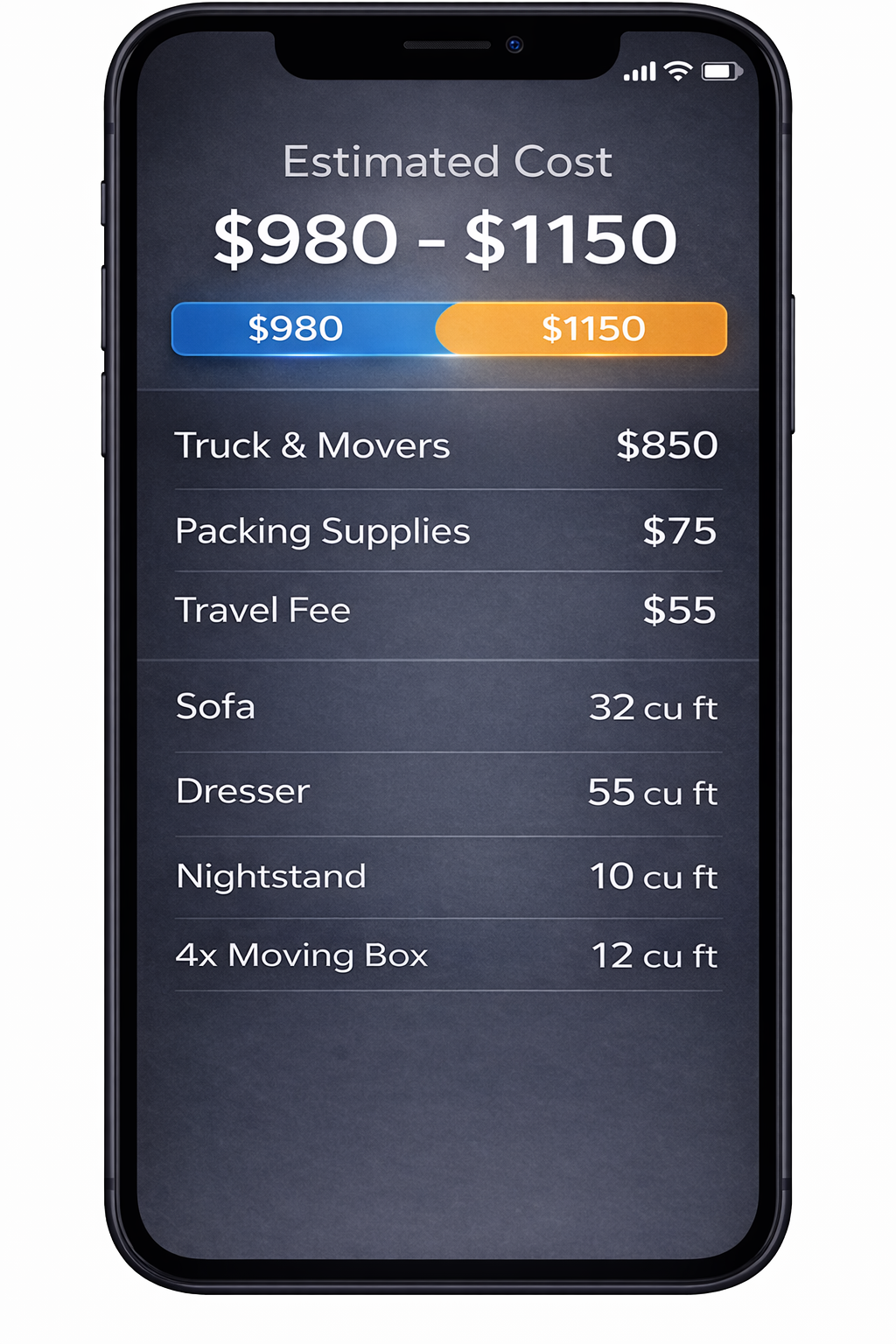
2. AI Detects Your Items
We identify your items and calculate volume for a clearer estimate.
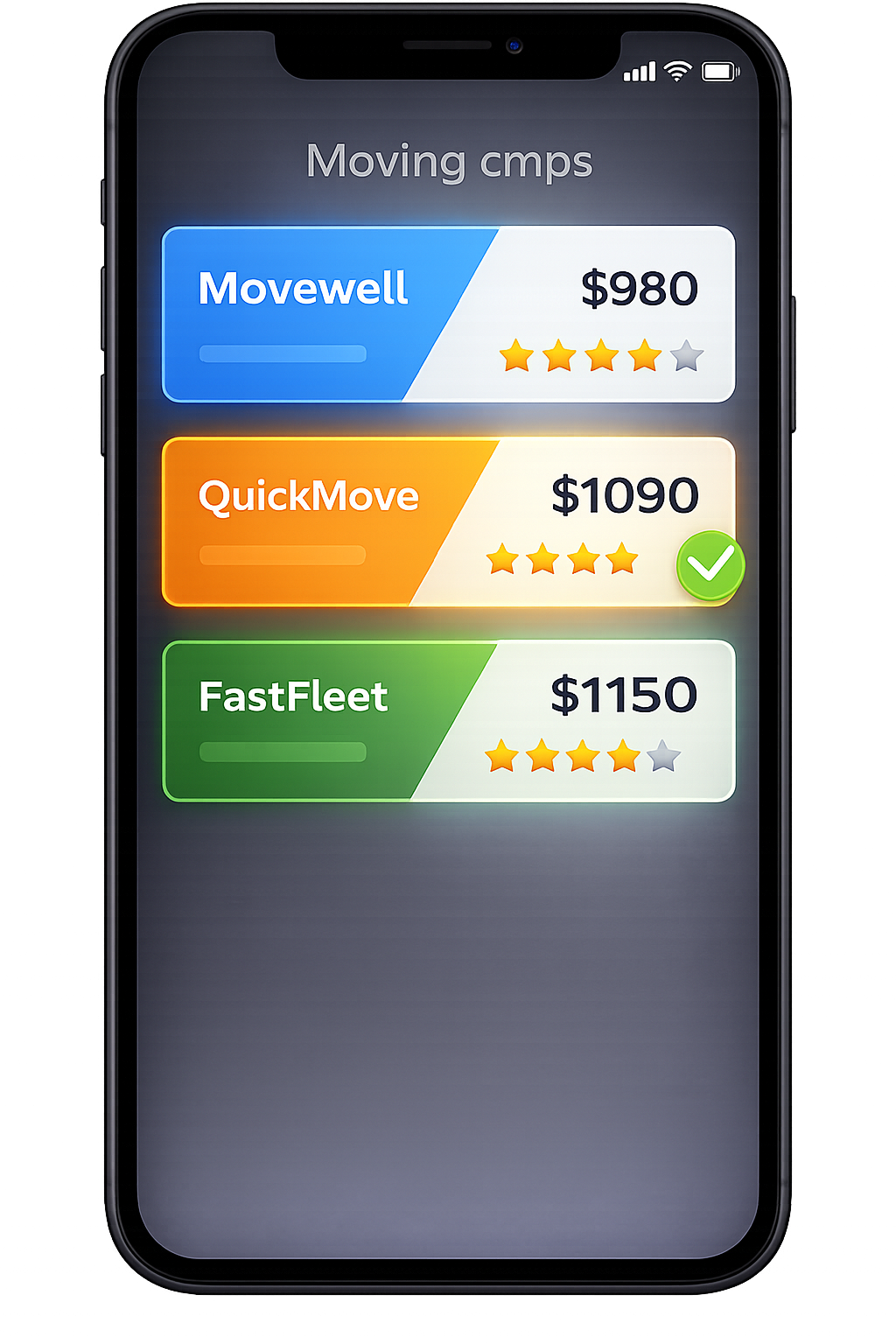
3. Compare Multiple Quotes
Compare mover quotes for Phoenix, AZ from the same scanned inventory.
Frequently Asked Questions
How is this 'moving estimate in Phoenix' page different from a Phoenix moving cost guide?
The Phoenix moving cost guide explains typical 2026 prices across the city—by neighborhood, home size, and route. It’s for research and budgeting. This 'moving estimate in Phoenix' page is about your specific move. It walks you through scanning your home with AI, capturing your exact inventory and building details, and turning that into an estimate range you can refine and share with movers. In short: Use the cost guide when you want typical numbers (for example, what a 2‑bedroom in Tempe or Arcadia usually costs to move). Use this estimate page when you want to know what your move is likely to cost based on your actual furniture, boxes, heat, parking, stairs/elevators, and HOA rules. They’re meant to work together: research on the cost guide, then a personalized moving estimate here.
What information do I need to get a Phoenix moving estimate here?
You don’t need exact measurements or an item-by-item spreadsheet. To get a solid Phoenix moving estimate on this page, you should have: Time to do a short AI scan of your home (walk through each room with your phone) Your current and destination addresses or neighborhoods (for example, Downtown Phoenix to Arcadia, Peoria to Chandler, Tempe to Midtown, Phoenix to Tucson) A rough move window (time of year and preferred days) Basic building details at both ends: stairs or elevator, where trucks can park, and any HOA or building restrictions The scan and prompts will help you surface anything you might otherwise forget—like items in your garage or on your patio—that movers still need to include in their estimates.
How accurate are AI-based Phoenix moving estimates compared with in‑home estimates?
When your AI scan covers every room, garage, patio, and storage space, and your access notes are accurate, AI-based Phoenix moving estimates are often close to what movers would quote after a short in‑home visit. AI helps by: Capturing all visible large items and clusters of boxes Giving movers a visual sense of room layouts and access points Reducing the chance that garages, patios, or storage closets are missed No estimate can predict every factor (like elevator outages or last‑second plan changes), but an AI-backed estimate is typically more reliable than a quick phone quote that relies on your memory while you’re distracted. If a mover still wants to validate something for a complex move, the AI inventory becomes their starting point.
Do Phoenix movers see my scan video, or just the inventory and details?
Phoenix movers see the inventory and access details, not the raw video. Your scan is processed by the AI to create: A room-by-room item list An approximate volume and move size Notes about stairs/elevators, long carries, and potential parking setups You can also add text notes about things like HOA rules or gated access. The raw footage stays with the processing system; movers work from the structured data that’s relevant to pricing and planning your Phoenix move.
Can I use the same Phoenix inventory and estimate if I decide to move out of state?
Yes. The inventory you build here is reusable across the entire MoveCost network. A common flow looks like this: 1. Build an AI inventory for your Phoenix home on this page. 2. Get a Phoenix moving estimate range for local or in‑state moves. 3. If you decide to move out of Arizona, plug that same inventory into: The AI Moving Cost Calculator Online Free (national hub) The State to State Moving Cost Calculator Online The Moving Cost Calculator by State and City for a specific route (for example, Phoenix to Denver, Phoenix to Austin, Phoenix to Seattle) You don’t have to rescan for every scenario; you just update your route and, if needed, timing.
What if I change my mind about what I’m taking after I see the estimate?
Moves often change as you pack and declutter. If you decide to sell a couch, donate a bedroom set, or add items from a storage unit after you get your Phoenix moving estimate: 1. Update your AI inventory here—remove or add items as needed. 2. Refresh your Phoenix estimate so the range reflects your new load. 3. If you’ve already shared your inventory with movers, send an update so they can adjust their quotes before move day. Updating early is important: a clear, up-to-date inventory helps keep your final bill aligned with the estimate and avoids day‑of surprises when the crew arrives.
Is this Phoenix moving estimate a binding quote?
The moving estimate you see on this page is not a binding quote. It’s a structured, AI-backed range to help you plan and to give movers an accurate starting point. When you’re ready to book, movers will use your AI inventory and access notes to provide their own estimates and, where applicable, binding or not‑to‑exceed quotes under their contracts. MoveCost itself doesn’t run trucks or issue binding contracts. It provides the data and structure that make those mover‑issued estimates clearer, more comparable, and more likely to hold up on move day.
How should I use this page alongside the Phoenix moving cost guide and other tools?
You’ll get the best Phoenix planning results if you combine this page with the rest of the MoveCost ecosystem like this: 1. Read the Phoenix moving cost guide (moving-cost-phoenix) to understand typical cost ranges and citywide patterns. 2. Use this Phoenix moving estimate page to scan your actual home, capture building details, and see your personal estimate range. 3. If you’re still exploring options, try the AI Moving Cost Calculator Online Free and the Moving Cost Calculator by State and City to see how your Phoenix inventory behaves on other routes. 4. When you’re ready for firm offers, use your inventory and estimate as the foundation to request quotes from movers through MoveCost. Each page has a distinct purpose, but they all share the same AI inventory so you don’t have to rebuild your move details at every step.