
Get Real Miami Moving Quotes with One AI Home Scan
Walk through your Miami place once, turn what you own into a detailed inventory, and request side‑by‑side quotes from local and long‑distance movers who already understand your building, access, and route.

moving quotes in Miami, FL
The Main Page for Moving Quotes in Miami (and How It Connects to Cost & Estimates)
MoveCost has several Miami pages that talk about prices and movers. This one is where you actually request and compare quotes. To keep everything clear for you and for Google, each Miami URL has a specific job: • Moving Cost in Miami, FL – a 2026 cost breakdown hub that shows typical price ranges for local and long‑distance routes by home size and neighborhood. Use it when you’re asking, “What do moves like mine usually cost in Miami?” • Moving Estimate in Miami, FL – a Miami estimate explainer that shows how inventory, labor, truck/travel, access, and extras appear as line items on a written estimate. Use it when you want to understand how your quotes are structured. • Local Movers in Miami, FL – a local mover chooser that helps you think through short in‑metro routes and compare local crews once you’ve decided to stay in the area. • Long Distance Movers From Miami, FL – a long‑distance hub that focuses on state‑to‑state routes leaving South Florida and how timing and delivery windows work. • This page — Moving Quotes in Miami, FL – the quotes and comparison leaf for the Miami cluster. Its job is to: 1. Turn your home into an AI inventory. 2. Send that inventory (plus access notes) to multiple movers you select. 3. Show their quotes side by side so you can compare prices and services for your exact Miami route. If you think of the Miami moving cluster as a short book: • The cost page is the chapter on what people usually pay here. • The estimate page is the chapter on how estimates are built and read. • The local and long‑distance pages are chapters about specific types of movers. • This quotes page is the “take action” chapter where you actually request and review offers based on your AI inventory. That clear separation keeps this URL from being “just another Miami moving page” and tells Google that it’s the dedicated place for “moving quotes in Miami” — not for general cost ranges or estimate education.
How MoveCost Turns One Miami Scan into Multiple Moving Quotes
Instead of calling three or four Miami movers and describing your place from memory, you can show everyone the same AI‑built inventory. Here’s how the quote flow works for a typical Miami move: 1. Scan your place once Open the MoveCost scanner on your phone and walk through your home: • Brickell, Edgewater, or Downtown condos: show the living room, bedrooms, kitchen, balcony, and any storage cages. • South Beach or Little Havana walk‑ups: show each floor and stair flight. • Kendall, Doral, or Westchester houses: include garage, patio, and yard items. The AI tags sofas, beds, tables, dressers, TVs, box piles, bikes, patio sets and more. 2. Add Miami building/access details You call out the details that always change local quotes here: • Floor level and whether you have a freight or passenger elevator • If your condo requires elevator reservations and COIs • Approximate walk distance from truck to door or dock • Stairs in Little Havana, Coral Way, or townhouse layouts 3. Submit one quote request to multiple movers MoveCost turns all of that into a standardized request. Verified Miami movers can see: • Your room‑by‑room inventory • Your route (for example, South Beach → Brickell, Edgewater → Midtown, Kendall → Doral, or Miami → Orlando/Atlanta/New York) • Your access situation at both addresses 4. Review quotes side by side As movers respond, you see each quote in a consistent layout: • Estimated hours and crew size • What’s included in the base rate (pads, wrapping, basic assembly) • How they treat elevators, stairs, and parking • For long‑distance, their delivery windows and shipment type (shared vs more direct) You can then compare offers knowing they all priced the same inventory and building rules, instead of each mover guessing something different from a two‑minute call. If you want extra context on how to read those line items, you can toggle over to the Moving Estimate in Miami page while you’re reviewing quotes, or check the Moving Cost in Miami hub to see where each quote sits against typical 2026 price bands.
Miami Quote Scenarios: How Different Movers Might Price the Same Move
Because every mover sees the same AI inventory and access notes, differences between quotes become easier to understand. Here are a few common Miami scenarios and how quotes might differ. Scenario 1: South Beach Walk‑Up → Brickell Condo • From: 1‑bedroom 2nd‑floor walk‑up near South Beach, street parking only • To: 1‑bedroom condo in Brickell with reserved freight elevator and loading dock • AI inventory: loveseat, small dining set, queen bed, dresser, TV + stand, ~25 boxes, a bike, and beach gear. What quotes might look like: • Mover A (hourly, smaller crew): • 2 movers + truck at an hourly rate • 4‑hour minimum • Fine print about extra time for stairs and elevator waits • Mover B (hourly, larger crew): • 3 movers + truck at a higher hourly rate • Expects to finish within the same elevator window because of extra hands • Calls out stair and freight‑elevator loading as already included in the time estimate • Mover C (flat‑ish for this scope): • One number based on your AI inventory and access • Notes about what would change that price (major added items or missed elevator window) The inventory and building notes are identical in each quote—what changes is how each mover approaches time, crew size, and risk. Seeing that side by side is the main value of starting quotes here. --- Scenario 2: Edgewater High‑Rise → Midtown High‑Rise, Heavier Furniture • From: 2‑bedroom condo in Edgewater, 18th floor, service elevator with reservation • To: 2‑bedroom rental in Midtown, 12th floor, service elevator and shared dock • AI inventory: sectional sofa, solid wood dining set, 2 beds, 2 desks, TV console, balcony set, 40–50 boxes, some heavy décor. Possible quote differences: • Some movers may plan 4 movers to keep the job inside a single elevator window. • Others may quote 3 movers and more hours, which looks cheaper per hour but similar or higher in total if traffic and elevator waits run long. • A few may add a specific long‑carry or hallway allowance if the walk from dock to unit is far. Because all of them quote from the same Edgewater‑to‑Midtown profile, you can quickly see whether a “cheaper” quote simply underestimates time on elevators and docks. --- Scenario 3: Kendall House → Orlando Suburb (Longer In‑State) • From: 3‑bedroom house in Kendall with driveway parking and garage • To: 3‑bedroom house outside Orlando • AI inventory: living + dining sets, 3 bedrooms, office desk, garage shelves, tools, patio furniture, grill, 60–80 boxes. What you might see in quotes: • Mover A: distance‑based flat price using your AI volume; includes fuel, tolls, and basic furniture protection. • Mover B: base rate built from volume + line for in‑state mileage; separate option for short‑term storage if your Orlando home isn’t ready. • Mover C: range for a shared‑truck option plus a higher price for a more direct truck on specific dates. Here the AI inventory makes it easier to see which quote truly covers a full 3‑bedroom load and which one quietly assumes less volume than you actually have. If you want to know whether those long‑distance numbers align with broader patterns, you can cross‑check with Long Distance Movers From Miami, FL or the State to State Moving Cost Calculator Online while you’re comparing quotes.
Why Two Short Miami Routes Can Have Very Different Quotes
It’s common to see two local Miami quotes for the same distance look completely different. The biggest reason is access, not miles. Examples: • South Beach → South Beach, 1 mile apart • Older walk‑up, 3 flights of stairs, truck parked half a block away • Movers carry every box and piece of furniture up and down stairs • Brickell → Edgewater, 3–4 miles apart • Reserved freight elevators and loading docks at both buildings • Carts and dollies can roll directly between truck and elevator Even though the South Beach route is shorter, the stair time and long carries often make it more expensive than the Brickell–Edgewater move. On this page’s quote flow, you explicitly describe: • Stairs vs elevator at both addresses • How far the crew realistically walks with items • Whether there are tight hallways or corners • Any HOA/condo rules on days and hours That information is attached to your AI inventory and sent to every mover you request a quote from. It’s the main reason quotes from this page are less likely to need a “we need to revise the price” conversation on moving day. If you want to see how those access factors play into pure cost ranges, the Moving Cost in Miami page is your reference; if you want help reading the access lines on each estimate, the Moving Estimate in Miami page is the deeper dive.
Local vs Long‑Distance Quotes From Miami: Same Scan, Different Formats
The scan and inventory are the same whether you’re moving from Brickell to Midtown or from Miami to Atlanta or New York. What changes is how movers format your quote: • Local / in‑metro quotes (for example, South Beach → Brickell, Little Havana → Coral Gables, Kendall → Doral) usually show: • Hourly rate and minimum hours • Estimated hours based on your AI inventory and building access • Notes on what could extend time (extra stairs, long carries, traffic windows) • Long‑distance quotes (for example, Miami → Orlando, Atlanta, Dallas, New York) usually show: • Pricing tied to volume/weight + distance • A projected delivery window • Whether your shipment is likely shared or more direct On this quotes page you can: • Request only local quotes, only long‑distance quotes, or both, using the same inventory. • Compare how different movers explain their numbers and delivery expectations. • Use the Miami moving cost and long distance movers from Miami pages as context when you evaluate those offers. You stay in control: seeing multiple formats doesn’t commit you to leaving Miami or staying local—it just shows you what each option looks like for your actual belongings.
Step‑by‑Step: Requesting Moving Quotes in Miami on MoveCost
You don’t need to chase multiple companies. The platform turns one clear description of your move into multiple responses. 1. Tap “Start Free Miami Quote Scan” Open the scanner on your phone and enter your basic route (for example, Brickell → Midtown, Coral Gables → Coconut Grove, or Miami → Orlando/Atlanta/New York). 2. Scan every area that’s moving Show living spaces, bedrooms, kitchen, balcony, storage, and garage. The AI tags major items and box clusters, and you can quickly edit the list. 3. Describe building access for both addresses • Floor level • Elevator vs stairs • Loading dock, garage, or street parking • Required reservations or COIs 4. Choose which movers receive your request MoveCost shows movers that serve your type of route and building type. You stay in control: you decide which companies can see your inventory and send quotes. 5. Review and compare quotes on one screen For each mover you’ll see: • Price format (hourly or long‑distance model) • Estimated hours or delivery windows • What’s included, and what might cost extra 6. Follow up or book when you’re ready Ask questions in writing or schedule a quick call with your top choice. Because everyone is working off the same AI‑built picture of your move, you’re not starting over each time you talk to a new company. If you want to understand quote comparison mechanics at a national level, you can also open the Compare Moving Company Quotes Instantly Online guide in another tab; it uses your same inventory but explains comparison patterns beyond Miami.
How It Works
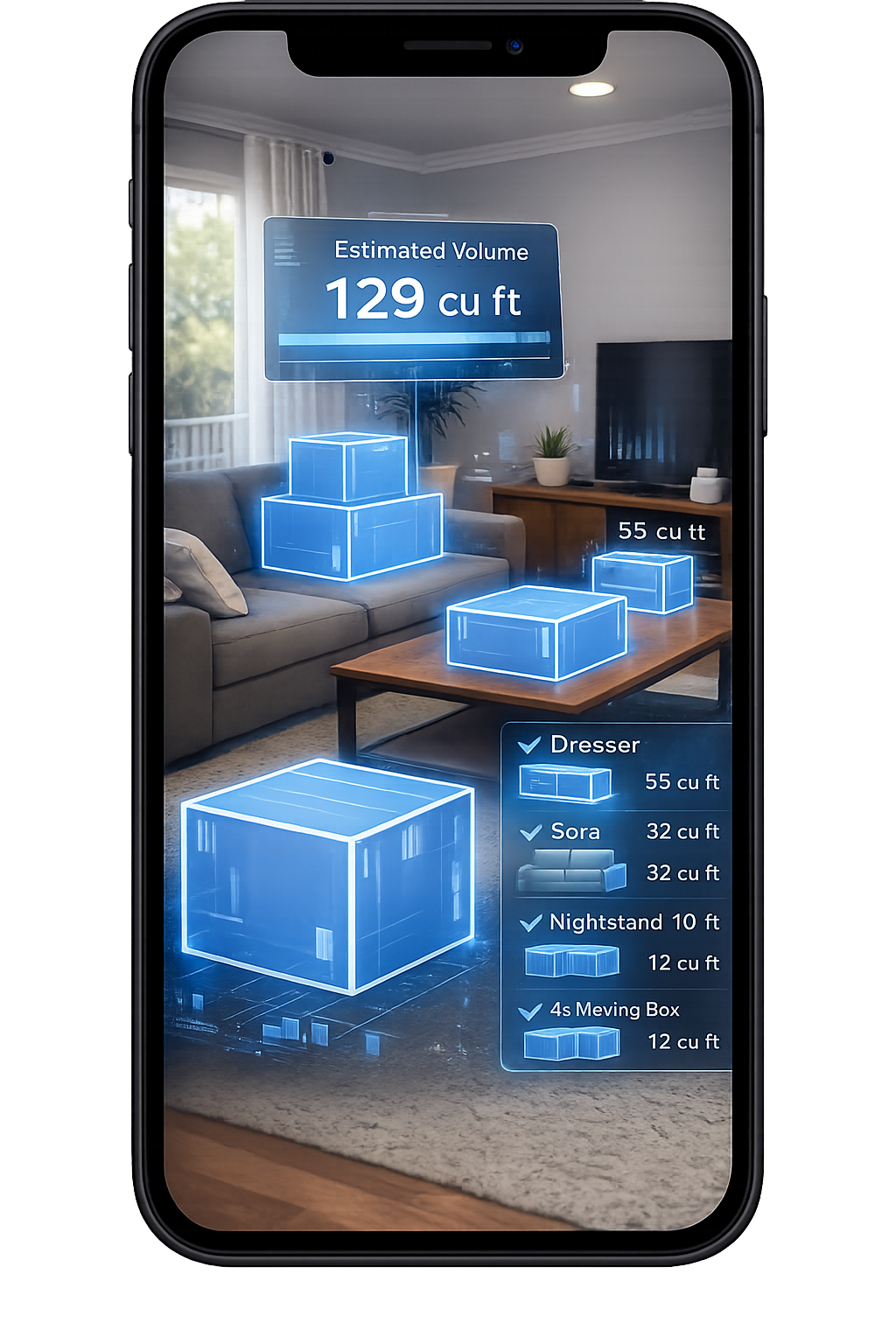
1. Scan Your Room With Your Phone
Walk around your space and scan your items in seconds.
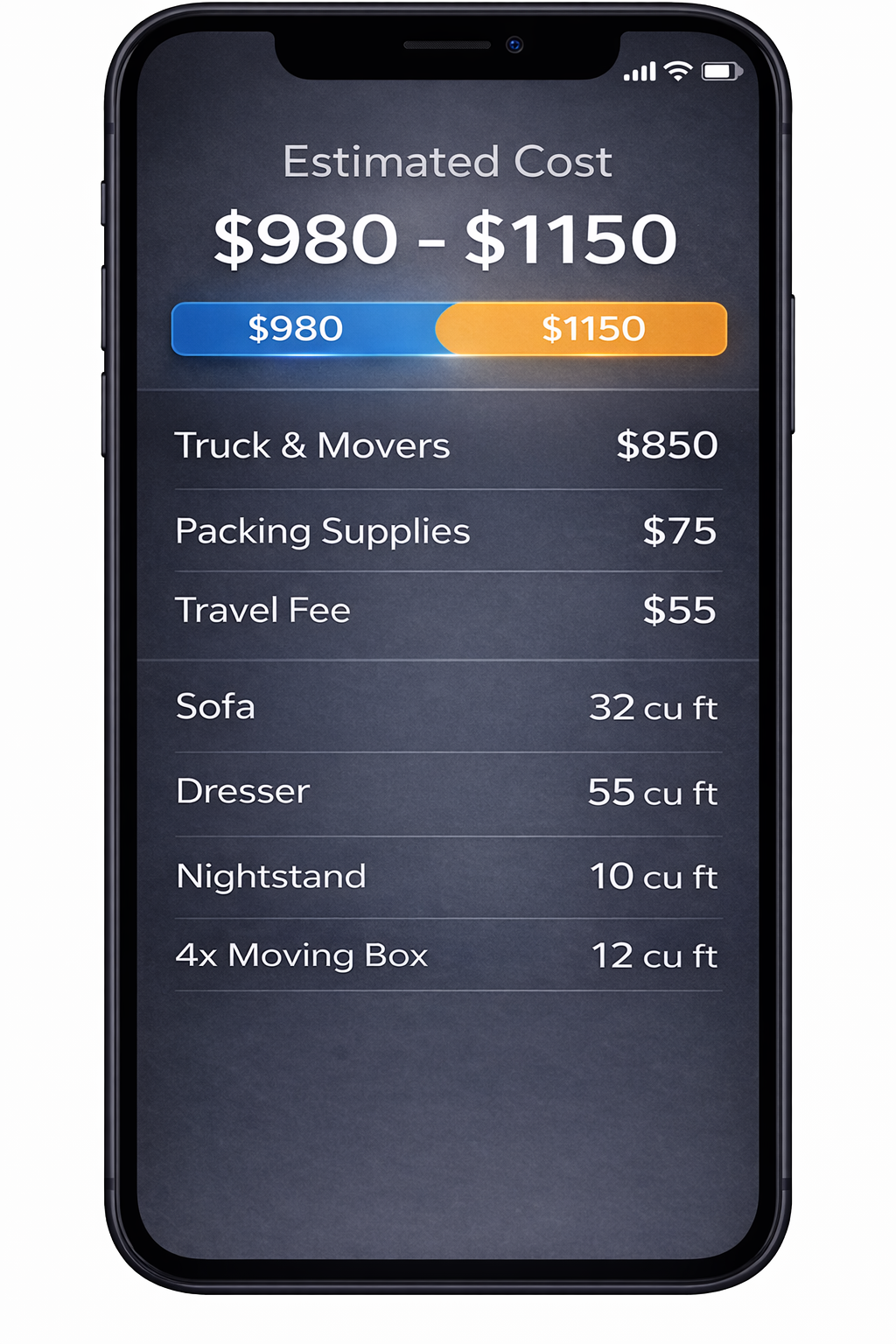
2. AI Detects Your Items
We identify your items and calculate volume for a clearer estimate.
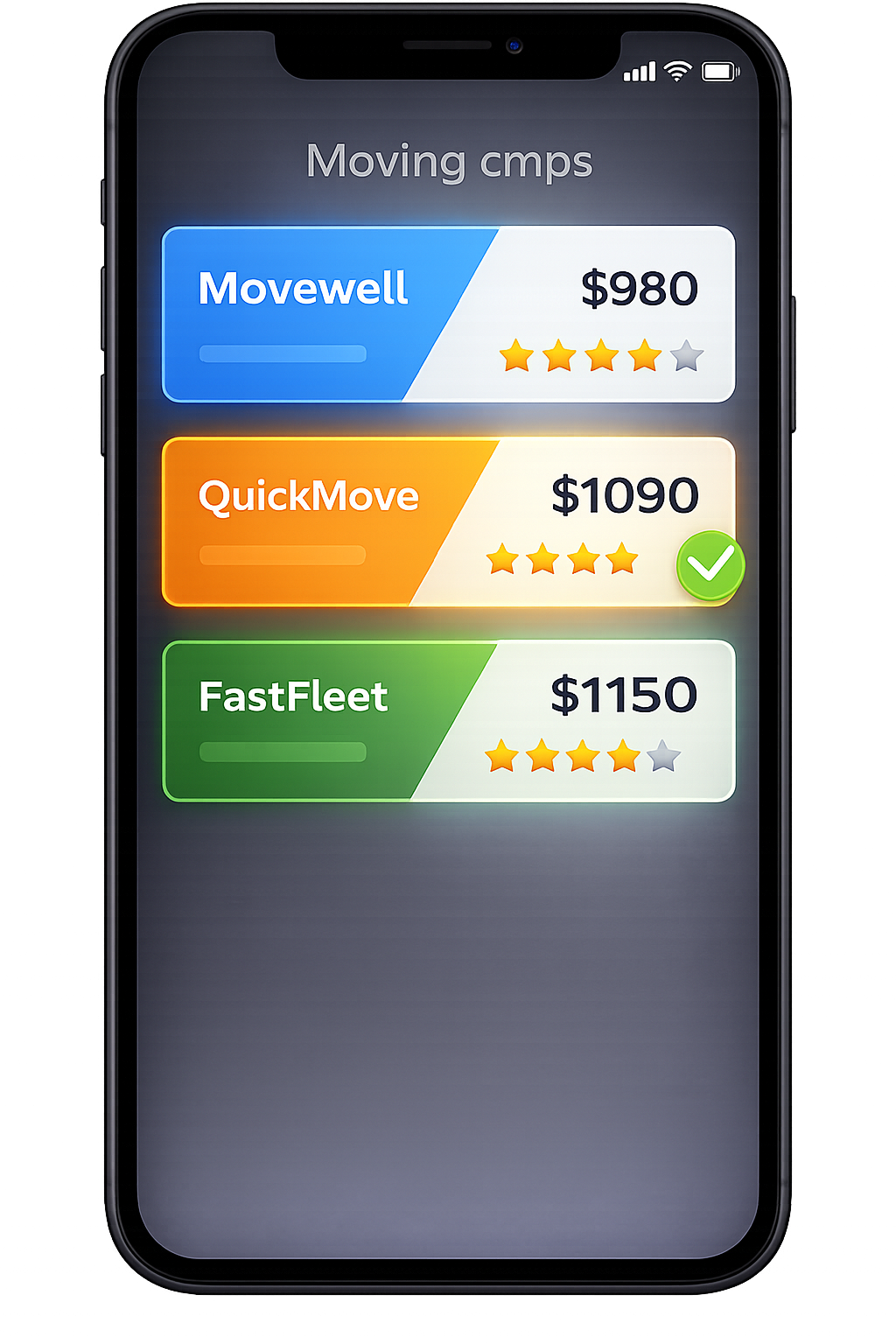
3. Compare Multiple Quotes
Compare mover quotes for Miami, FL from the same scanned inventory.
Frequently Asked Questions
How is this Miami moving quotes page different from the Miami cost and estimate pages?
This page is where you actually request and compare quotes. It uses your AI inventory and building details to send one standardized request to multiple movers. By contrast: Moving Cost in Miami, FL is the 2026 cost breakdown hub. It shows typical price patterns and ranges so you can sanity‑check the quotes you receive. Moving Estimate in Miami, FL is the estimate explainer. It shows how a proper Miami estimate is structured (labor, truck/travel, access, extras) and how to read those line items. Use this quotes page when you’re ready to say, “Here’s exactly what I’m moving and where; please send me your price and terms.” Use the cost page for context and the estimate page to understand what each quote is really telling you.
How many Miami movers should I get quotes from using this page?
Most people request quotes from 3–5 movers for a typical Miami move. That’s usually enough to see a clear price band for your route and building type without overwhelming yourself. Because each mover sees the same AI inventory and access notes, you’re comparing: Different hourly rates and minimums for the same scope Different delivery windows and shipment types for the same long‑distance route Different levels of detail about what is and isn’t included If you see one quote that’s dramatically lower or higher than the others, you can use Moving Cost in Miami to see where it falls relative to 2026 averages, and Moving Estimate in Miami to decide whether it’s a true outlier or just a different service level.
Can I request both local and long‑distance quotes from Miami with one scan?
Yes. One of the advantages of the MoveCost flow is that the same AI inventory works for: Short local moves inside the metro (for example, South Beach ↔ Brickell, Edgewater ↔ Downtown, Coral Gables ↔ Coconut Grove) Longer routes out of Miami (for example, Miami → Orlando, Atlanta, Dallas, or New York) When you set up your request on this page, you can: Select only local movers, Select only long‑distance movers, or Try both, then compare what staying in the area vs leaving the area would cost for your real belongings. The AI inventory and access notes only have to be created once.
Do Miami movers see my AI scan video, or just the inventory?
Movers see the structured inventory and access details, not the raw video. The AI scan is processed into: A list of furniture and major items by room Approximate box counts and volume Access information you entered (stairs, elevators, parking, loading docks) That’s what movers use to build your quote. The raw scan itself stays with MoveCost’s processing systems and isn’t sent around to moving companies.
What if my Miami building changes my elevator reservation or move window after I get quotes?
Miami buildings sometimes shift elevator windows, especially in busy Brickell, Downtown, Edgewater, and Miami Beach properties. If your association changes your date or time: 1. Update your move date/time window inside MoveCost. 2. Add a quick note about any new restrictions or changes. 3. Ask your shortlisted movers to refresh their quotes with the updated information. Most movers prefer having the new window in writing ahead of time. Because your inventory and addresses stay the same, they’re only updating the labor and scheduling assumptions, not re‑estimating the entire job from scratch.
Can I still talk to movers on the phone after using this quotes page?
Yes. This page is designed to reduce repetitive phone calls, not to block you from speaking with movers. The usual pattern is: Use this page to scan your home, describe your buildings, and request quotes. Review written offers and narrow to 1–2 movers. If you want, schedule a short call or video walkthrough to confirm final details. The advantage is that every mover you talk to is already looking at the same AI inventory and access notes, so those calls tend to be focused and short instead of starting from zero.
What happens if I sell furniture or add items after I’ve requested quotes?
Your quotes are based on the AI inventory and access details you provided. If you sell a couch, remove a bedroom set, or empty a storage cage, your move usually gets easier. If you add big items—for example, a new sectional, more boxes, or a second fridge—your move may take longer or require more truck space. On this page you can: 1. Update your inventory to match the new reality. 2. Let movers know what changed (for example, “sold the patio set” or “added items from a storage unit”). 3. Ask whether the price or time range changes. Doing this before move day helps avoid last‑minute disagreements and keeps your final bill closer to your updated quotes.
How does hurricane season affect moving quotes requested on this page?
During hurricane season, Miami movers pay close attention to weather forecasts. When you request quotes here, they may: Offer wider delivery windows for long‑distance jobs Add notes about how they handle storm‑related delays Suggest backup days for local moves in case your building pauses moves due to weather You can indicate that your move is likely to fall in hurricane season and include any weather‑related building rules (for example, “no moves during tropical storm warnings”). Movers then price and schedule with that context in mind instead of assuming clear skies.